A Video Table Project for the Historic Helena Museum
Project overview documenting the scope, my assignment, delivered outcomes, and supporting visuals.
Project Scope
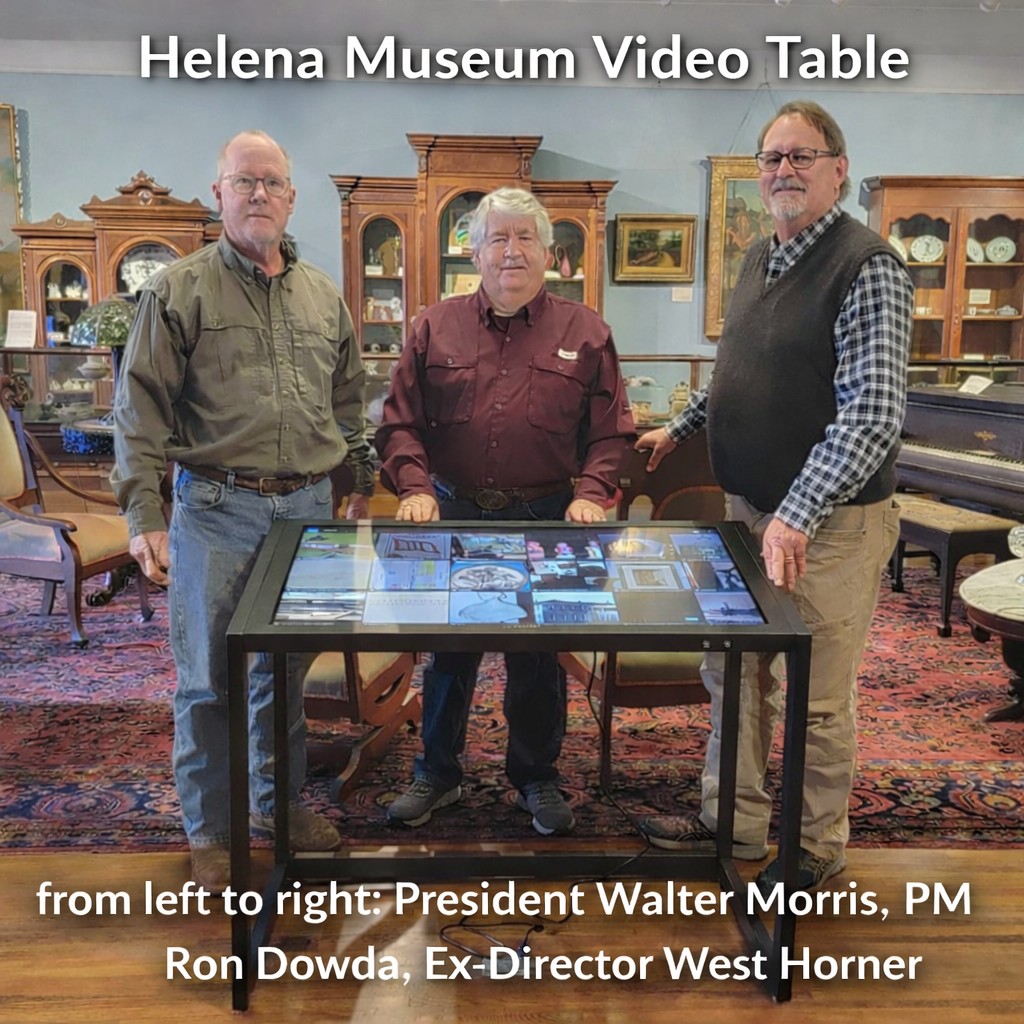
- Delivered an ADA-accessible touch-screen “video table” for the Historic Helena Museum to showcase Phillips County history.
- Organized 4,000+ images/documents into 60 category folders, with rotating display mode for idle operation.
- Enabled Wi-Fi access for visitor research use, with content stored on secured USB media.
- Implemented admin/support documentation and backup approach via an Operations Manual and secured USB storage.
- The Historic Museum in Helena, Arkansas, needs a video table to display pictures of Phillips County and ADA accessible to those who may be physically challenged. This “Video Table” containing pictures of Phillips County history must be user friendly, easy to use “touch screen” without instructions, easily wheelchair accessible, and contain pictures of the historic region of Helena on the Mississippi River. The Helena Museum displays artifacts, family records, Mississippi River history, Civil War history, and displays from the 1600's to current day.
- All pictures are in JPG format. Wireless internet, WIFI, is enabled so that the table can be used for historical research by anyone. There are 60 folders representing specific categories. Ove 4000 historical pictures and documents are paired and displayed within its specific folder. When not in use, these are set to display and rotate through the folders every 6 seconds.
- All directories/folders/pictures are stored on a USB drive and secured in the director’s office. There are 3 administrative accounts in the application. An operation manual was created that contains full administrative account information, a full backup USB, support contact information, and video table user/installation manual.
Key Points (Quick Scan)
Show full Project Scope details
My Assignment
- Led end-to-end implementation: content review, categorization, formatting, software loading, and usability testing.
- Coordinated design and approval with an 8-member Museum Board and Museum leadership as stakeholders and testers.
- Executed large-scale content work (4,000+ items) across 60 folders, including descriptions where needed.
- Produced operations documentation and defined handoff/support approach for ongoing updates and continuity.
- My project assignment was to sort through all pictures, add content descriptions under each picture when needed, create as many folders (60) needed to categorize 4000+ pictures, coordinate design and installation with a panel of 8 Museum Board Members, ensure all pictures were formatted correctly for display, design/install all 60 folders and pictures into the operation software, and test to make sure all operations are very user friendly using the video table touch screen. I selected and used all Board members and the Museum manager as test engineers to test all video operations.
- Coordinating the sorting process and categorizing pictures and documents was successful because of cooperative work with all members of the Museum Board of Directors and executive officers. For initial design and installation approval, folder names and all pictures were submitted to an 8 Board membership for approval. The stakeholder requests and suggestions also made this a very successful project.
- Because of the research required for each picture, much time was required to sort through all 4000+ pictures and documents; then identified and copied into 60 folders. As the project manager, I used over 400 hours to perform all requirements from design to handoff.
- Support model: DG - DISPLAYS2GO, ADA Height and Reach Standards, 43 inch 10pt PCAP LCD Touch Screen, 42 inches tall, DiViEX Software Android 11 Operating System, Updates by USB, SKU/DK043TLBA
Key Points (Quick Scan)
Show full My Assignment details
Outcomes & Results
Key Wins (Quick Scan)
- ADA + user-friendly delivery: Visitors can navigate historical content via touch-screen with accessible design.
- Touch-first operations: Eliminated reliance on mouse/complex controls to reduce user friction.
- Scalable library: Platform supports up to 40,000 images, enabling long-term expansion.
- Operational continuity: Updates managed through a simple Windows copy/paste process with instructions in the Operations Manual.
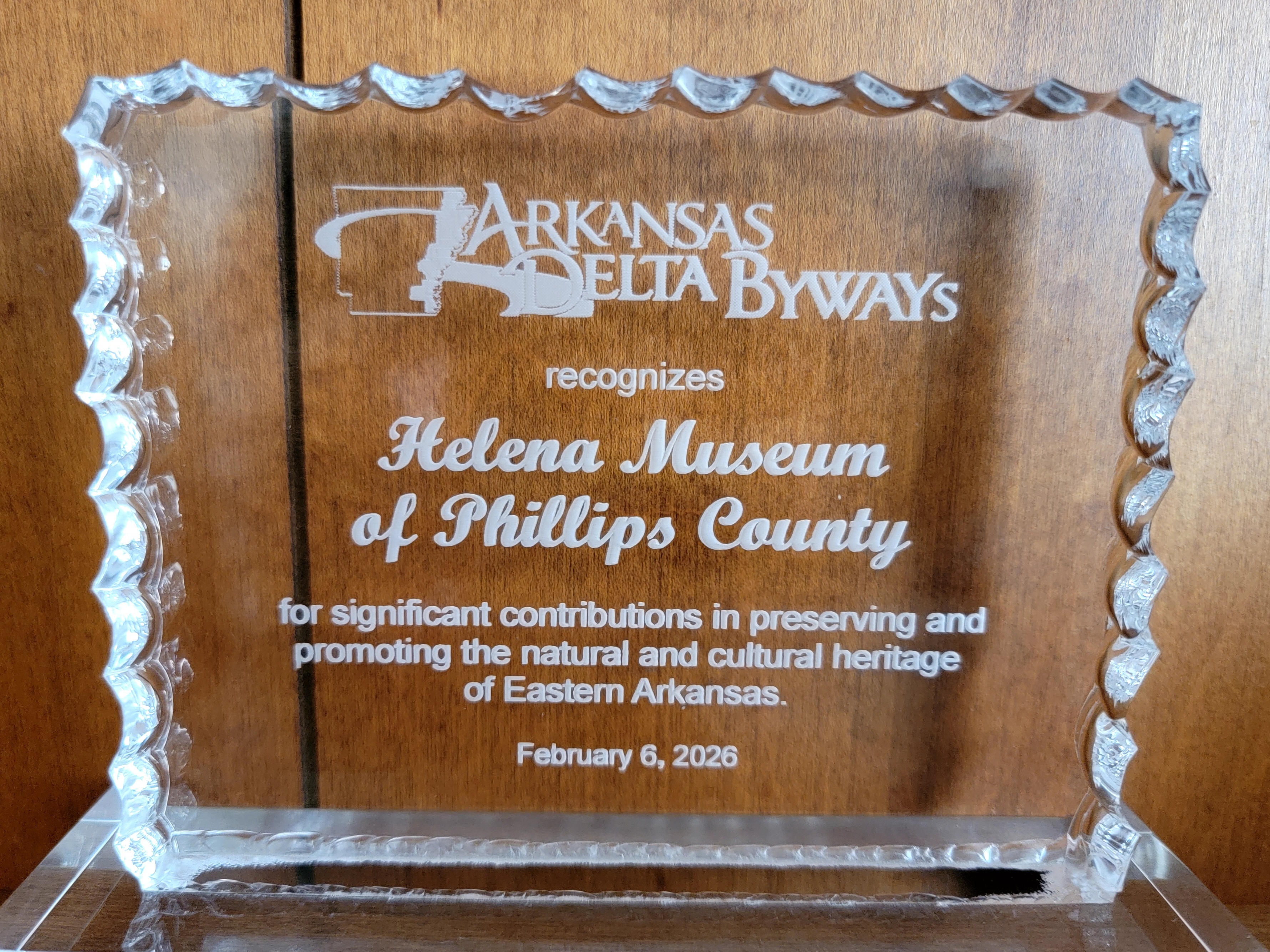
- Received "Cultural Heritage Award: from the Arkansas Delta Byways Tourism Association
Show full Outcomes & Results details
- All visitors are now able to enjoy the displays, figuresn and documents displayed on all museum floors by touch-screen selecting the pictures in this video table library. Historical research taken from times when native Americans who occupied the region to current times can now be easily conducted. The operation is designed to be user friendly and ADA accessible by anyone.
- Operations of all functions of the video table are easily performed by using the “touch screen” and not by using a mouse. This video table can store and display over 40,000 pictures. Additional pictures are easily added by a normal Windows type “copy/paste process.” Operational instructions are stored in the Operations Manual.
- The video table is available during all normal museum hours. All operational support is provided by the manufacturer and me as the Project Manager. All picture updates can be easily conducted by following the instructions in the Operations Manual which I created. This manual is stored in the director’s office.
- Building on extensive research and thoughtful design, this project enabled the Helena Museum to receive the 2025 Delta Byways Award promoting the Cultural Heritage of the Arkansas Delta, honoring its commitment to ADA accessibility and inclusive public access to historical images documenting Helena, Phillips County, and the Arkansas Delta.
Visuals
Visuals